Discount Filters
How to replace an LG refrigerator water filter (LT500P, LT700P, LT800P, LT1000P)
May
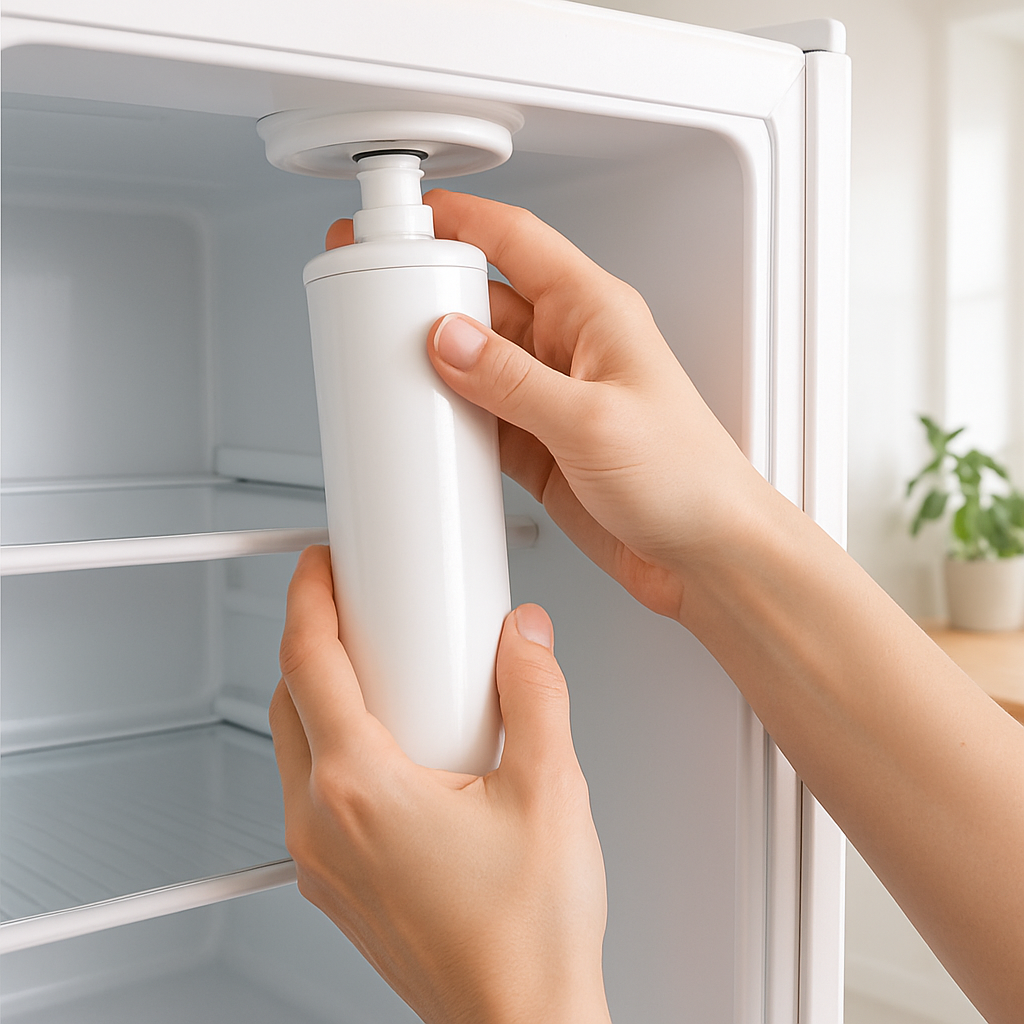
Replacing your LG refrigerator water filter takes less than 5 minutes
No plumber required. No tools needed. LG water filters are designed for easy twist-in or push-in replacement that anyone can do at home. This guide covers the four most common LG filter models: LT500P, LT700P, LT800P, and LT1000P.
Before you start: find your filter model
Check the current filter in your fridge to find the part number. Common LG models at Discount Filter Shop:
- LG LT500P — older side-by-side models
- LG LT700P — 2010–2018 models
- LG LT800P — bottom-freezer models
- LG LT1000P — 2018+ models
How to replace LT700P and LT1000P (upper interior filters)
- Locate the filter compartment in the upper-right corner of the fridge interior.
- Turn the old filter counterclockwise about a quarter turn until it releases.
- Pull the filter straight out.
- Remove the protective cap from the new filter if present.
- Insert the new filter and turn clockwise until it locks. You’ll feel and hear a click.
- Run water for 3–5 minutes to flush air and carbon fines from the new filter. Discard this water.
- Reset the filter indicator light — usually by holding the “Filter Reset” button for 3 seconds.
How to replace LT800P (bottom grille filter)
- Locate the filter in the lower-left section of the bottom grille.
- Press the release button on the filter cap.
- Pull the filter straight out from the grille.
- Align the new filter with the housing and push in firmly until you hear a click.
- Flush 3–5 minutes of water through the dispenser to clear the system.
- Reset the filter light on your control panel.
Tips for a smooth installation
- Always flush 2–3 liters of water after installing any new filter.
- The first few glasses of water may look cloudy — this is normal and not harmful.
- Replace every 6 months regardless of usage to maintain filtration performance.
- If the filter light doesn’t reset, hold the reset button for 5 seconds with the fridge door closed.
Shop LG replacement filters — free US shipping
Frequently asked questions
Do I need to turn off the water supply to replace an LG filter?
No. LG refrigerator water filters have an automatic shut-off valve built into the housing. You can replace the filter without turning off your home water supply. A few drops may drip during removal — this is normal.
Why is my water cloudy after installing a new LG filter?
Cloudiness after a new filter installation is caused by air bubbles and harmless carbon dust from the new filter media. Flush 2–3 liters through the dispenser and the water will run clear.
How do I reset the filter light on an LG refrigerator?
Press and hold the “Filter Reset” or “Reset Filter” button on the control panel for 3 seconds. On some LG models, you hold the “Alarm” button for 3 seconds. Check your owner’s manual for the exact button combination.
Can I drink the water right away after installing a new LG filter?
Wait until you have flushed at least 2 liters through the dispenser before drinking. This clears air pockets and carbon fines from the new filter media.