Discount Filters
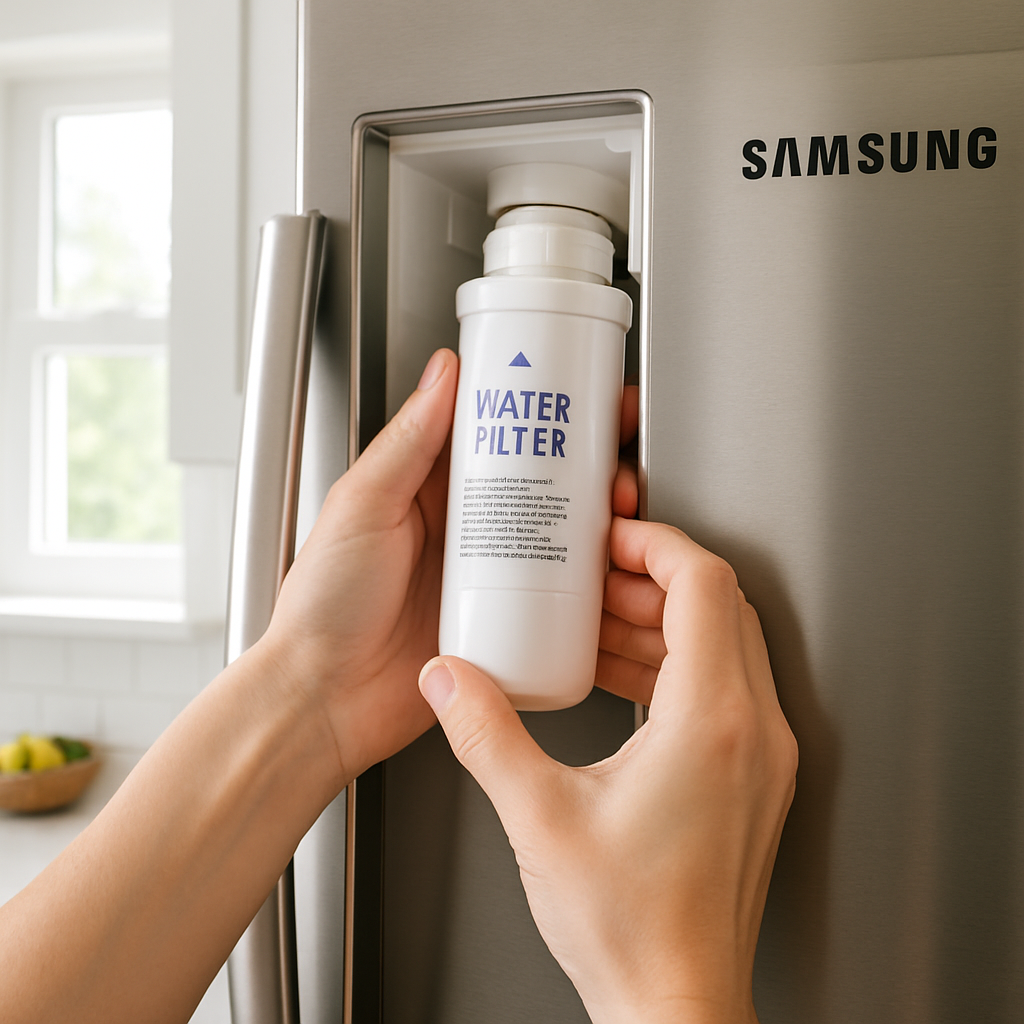
How to replace a Samsung refrigerator water filter (HAF-CIN, HAF-QIN, DA29 series)
09
May
May
Replacing a Samsung refrigerator water filter is a 3-minute job
Samsung designs their filters for quick, tool-free replacement. Whether you have a French-door, side-by-side, or bottom-freezer model, the process is straightforward. This guide covers the most common Samsung filters: DA29-00020B (HAF-CIN), HAF-QIN, and DA29-00003G.
Identify your Samsung filter first
- Samsung DA29-00020B (HAF-CIN) — 2012+ French-door and side-by-side models
- Samsung HAF-QIN — 2020+ models
- Samsung DA29-00003G — pre-2012 models
Replacing the DA29-00020B and HAF-QIN (twist-in interior filters)
- Open the refrigerator and locate the filter compartment in the upper-right corner.
- Press the filter release button (on models with a button) or turn the filter counterclockwise about a quarter turn.
- Pull the filter straight out. A small amount of water dripping is normal.
- Remove the cap from the new filter if present, and line up the arrow on the filter with the arrow on the housing.
- Push in and turn clockwise until the filter locks in place.
- Run 2–3 liters of water through the dispenser to flush the system before drinking.
- Reset the filter indicator — typically by pressing and holding the “Ice/Water” button or a dedicated filter reset button for 3 seconds.
Replacing the DA29-00003G (older models)
- Locate the filter — typically in the lower-left interior or bottom grille depending on your model.
- Turn counterclockwise to unlock and remove.
- Install the new filter by aligning and turning clockwise until snug.
- Flush thoroughly — at least 2 liters — before using water for drinking or ice.
Common issues and fixes
- Filter leaks after installation: Remove and reinstall, making sure it’s fully seated and locked.
- Water dispenser is slow: Air bubble in the line — flush more water through the dispenser.
- Cloudy or grey water: Normal for the first few glasses after installing a new carbon filter. Flush until water runs clear.
- Filter light won’t reset: Hold the reset button for 5 full seconds. On some models, the fridge needs to be in cooling mode for the reset to work.
How often should you replace your Samsung water filter?
Samsung recommends every 6 months or every 300 gallons, whichever comes first. A household that uses the water dispenser daily will likely need replacement closer to every 4–5 months in practice.
Shop Samsung filters — free US shipping